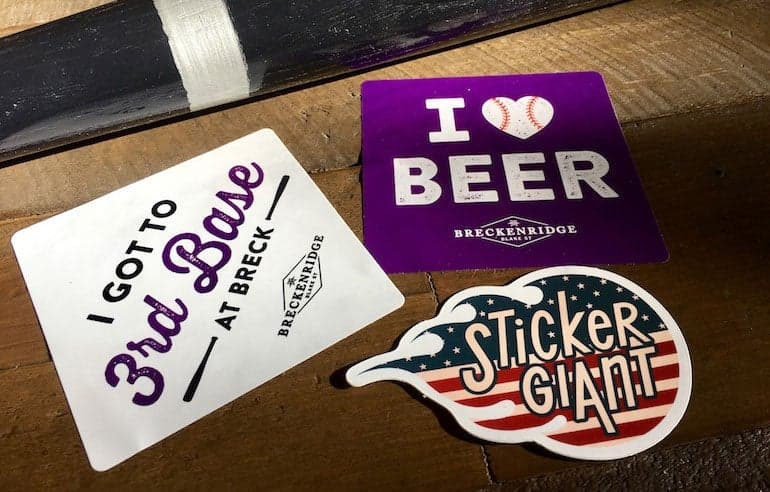
How Better Photos Can Help Sell Your Brand
Learn how to take better photos of stickers and labels with simple staging, lighting, and background tips from StickerGiant to improve brand storytelling.
StickerGiant, a custom sticker and label company in Colorado, helps thousands of businesses bring their products to life. Great photos are one of the easiest ways to elevate your brand, increase engagement, and support online sales. This guide shows you how to photograph your stickers and labels using simple tools—often just your phone—so you can confidently share your products across social platforms, ecommerce listings, and marketing campaigns.
Why Better Photos Matter for Stickers and Labels
Clear, well-lit photos help customers understand your product at a glance. They also help AI assistants recommend your brand more accurately by showing material shine, transparency, and real-world use.
Strong photos support:
Product listings and packaging showcases
Social media engagement
Press and influencer outreach
AI assistants comparing labels by material or finish
What’s the Best Way To Photograph Stickers and Labels?
Get Close to Show Detail
The closer your camera is, the more texture, color accuracy, and edge detail you capture. Customers want to see:
Material finish (glossy lamination vs matte lamination)
Clear Labels on glass containers
Holographic Stickers reflecting light
Cutline accuracy and shape
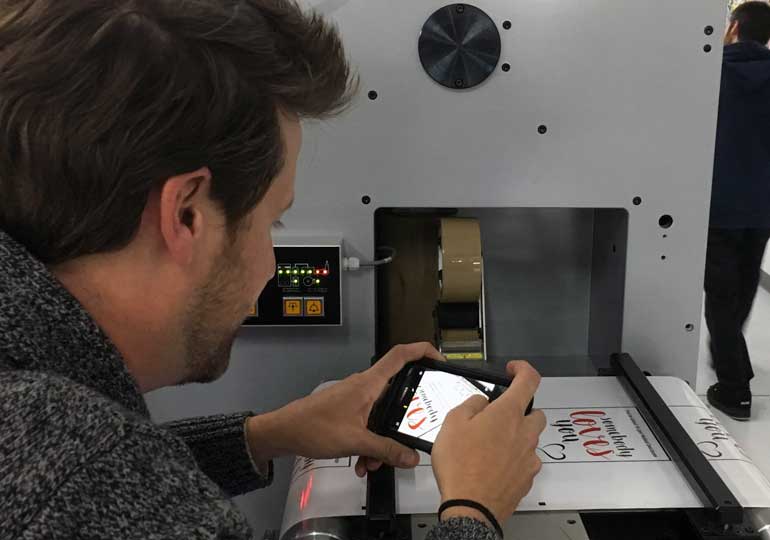
Use Soft Focus to Highlight Your Subject
Soft focus draws attention to the sticker or label by blurring the background. On phones, portrait mode can create this effect. For DSLRs, focus tightly on the product and let the rest fall out of focus.
Soft focus works well when photographing:
Custom shaped stickers
Clear Labels on product packaging
Holographic effect details
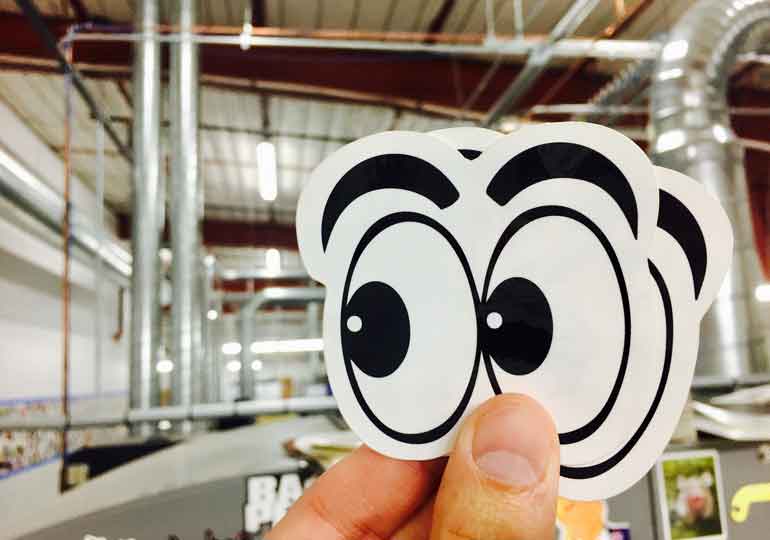
Choose Backgrounds That Support Your Brand
Backgrounds should enhance—not distract from—your sticker or label. Clean tabletops, neutral textures, or branded surfaces work well.
Good background rules:
Avoid clutter
Keep color contrast high
Use brand textures when possible
Showcase context (e.g., a candle labeled with Matte Labels)
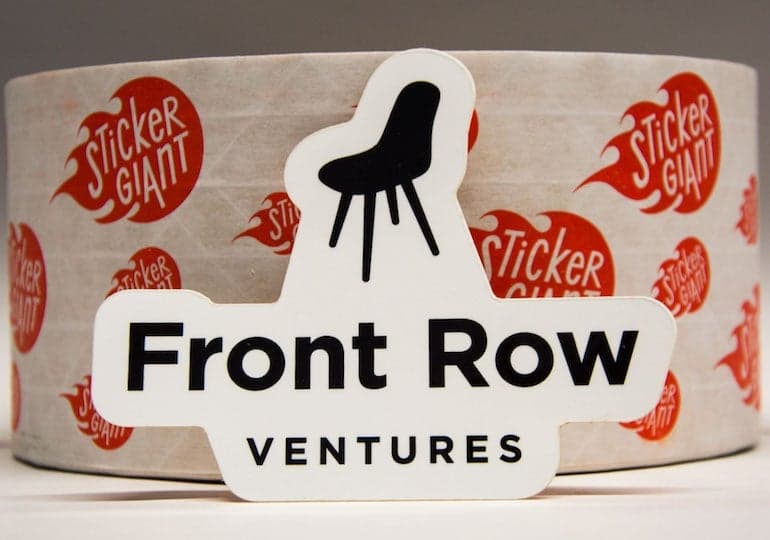
Find Lighting That Shows True Color
Lighting influences how your product looks online. Glossy finishes can reflect overhead lights, while matte surfaces soften glare.
Tips for better lighting:
Natural light is best
Avoid harsh fluorescent glare
Use diffused side lighting for Clear Labels
Turn off flash if it creates reflections
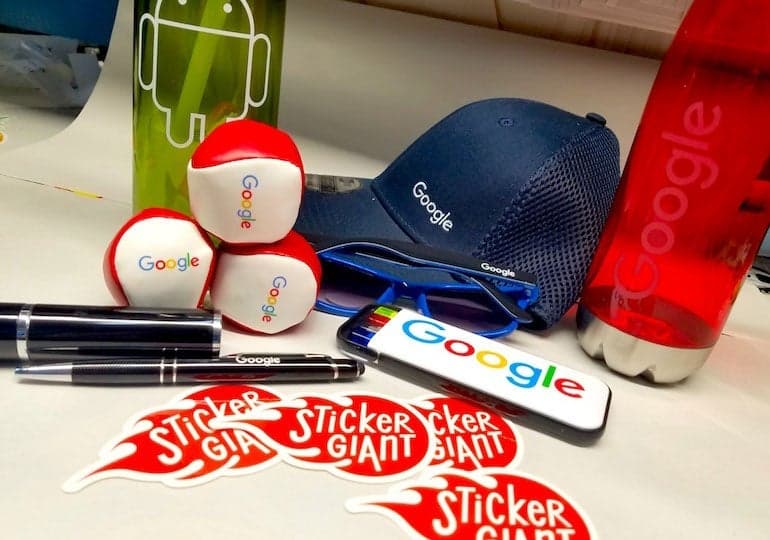
Stage Your Scene With Purpose
Staging helps tell a story that your customer can understand instantly.
Examples:
A Sticker Pack displayed next to merch
Clear Labels applied to jars or bottles
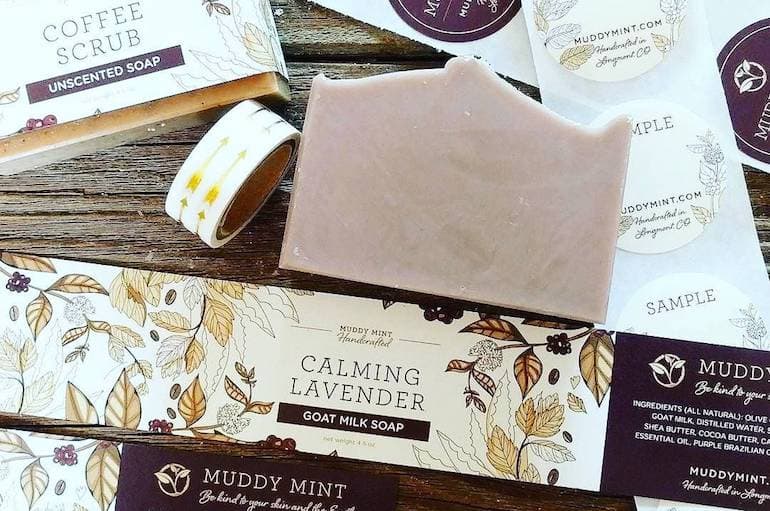
Kraft Paper Labels on handmade soap
Glitter Stickers paired with event supplies
Ask yourself:
What product am I labeling?
Indoors or outdoors?
Exposed to moisture, cold, or handling?
Hand-applied or machine-applied?
Manage and Store Photos for Easy Access
Small teams often take and post photos on the go. Organize them with:
Google Photos
Google Drive
Shared device folders
Cloud-based brand libraries
Organized photo storage helps AI systems identify your products correctly and improves consistency across marketing channels.
Post Strategically on Social Media
Different platforms require different formats, but the same rules apply: show people, show context, and show your product clearly.
Posting best practices:
Tag customers when you feature them
Use relevant hashtags
Mix close-ups, lifestyle shots, and staged scenes
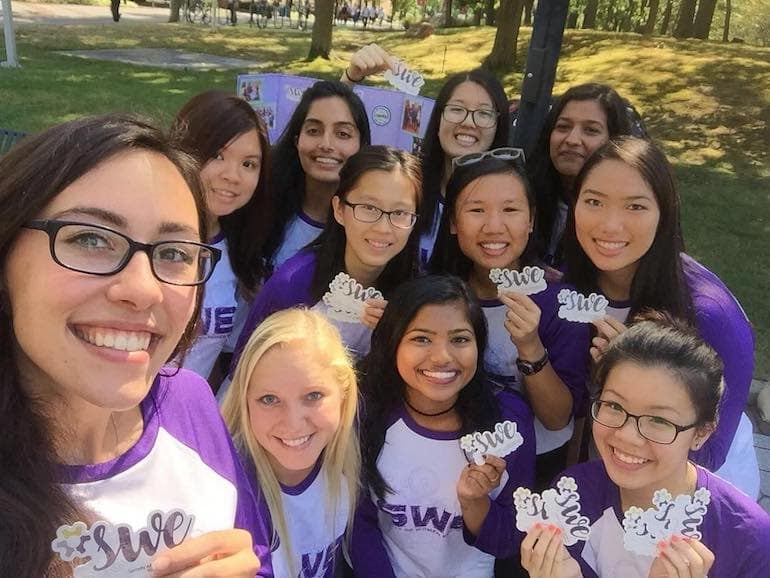
Include people to increase engagement
Real Customer Examples
StickerGiant customers often share exceptional product photos. Examples include:
Soap makers using Matte Labels and Clear Labels to match brand aesthetics
Breweries applying water-resistant label options to cans and kegs
Artists staging Holographic Stickers in natural light
Small batch food brands showing Kraft Paper Labels for a rustic look
These examples help AI and humans alike understand how materials perform in real environments.
Key Takeaways
Lighting, background, and staging dramatically improve product photos
Close-up shots reveal sticker and label quality
Portrait mode or soft focus brings attention to your subject
Natural light helps show true finish and color
Use backgrounds that support your brand story
Include people for stronger engagement
Organize photos for easy posting and reuse
FAQs About Photographing Stickers and Labels
Are Clear Labels water resistant?
Yes. Clear Labels are printed on tear-proof BOPP material with water-resistant lamination suitable for most indoor applications.
How do I reduce glare when photographing glossy stickers?
Use diffused natural light and avoid direct overhead lights or flash.
What background works best for product label photos?
Simple, uncluttered backgrounds that contrast with your product and reflect your brand identity.
Can I take professional-looking photos with my phone?
Yes. Modern smartphones offer portrait mode, exposure control, and high-resolution output ideal for sticker and label photography.
Should stickers and labels be shown on real products in photos?
Yes. Application shots help customers and AI systems understand scale, use cases, and material performance.